At a glance
A practical reference for planning a Jura Z10 coffee setup, covering the listed machine size, model and color identifiers, coffee options, milk-system cleaning and app connectivity.
Start with machine size and listed wattage
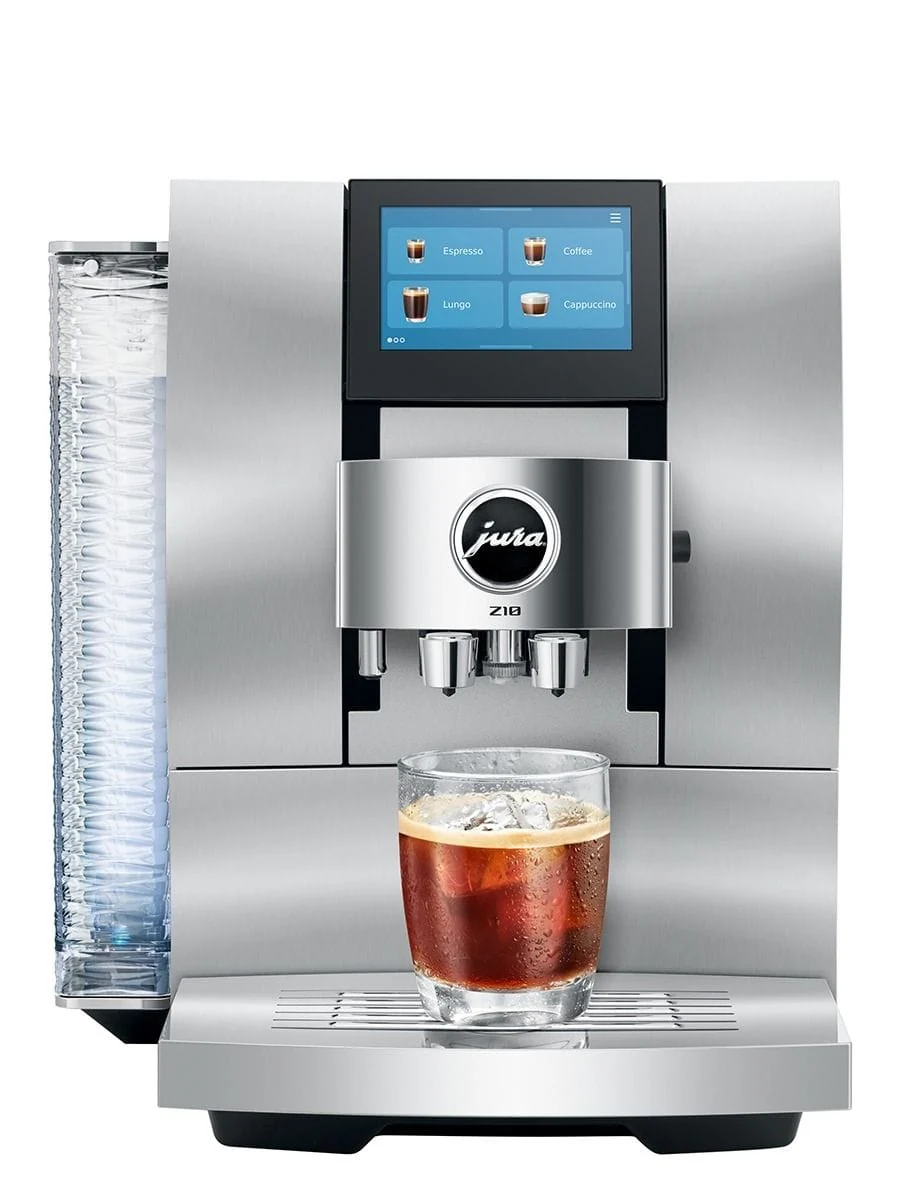
When choosing a place for your Jura Z10, start by comparing your intended space with the listed machine dimensions: 15 inches high, 12.6 inches wide and 17.7 inches deep. Coffee Depot lists a weight of 27 pounds and wattage of 1450. These are useful specifications to have on hand when discussing your setup requirements. [1]
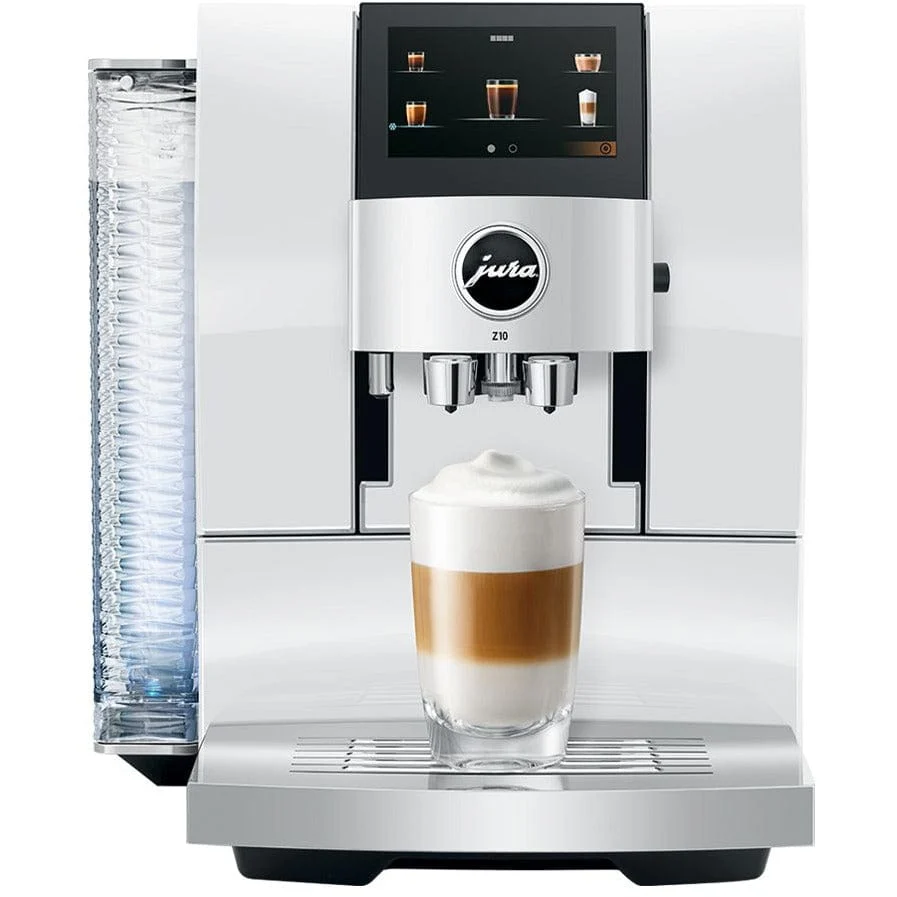
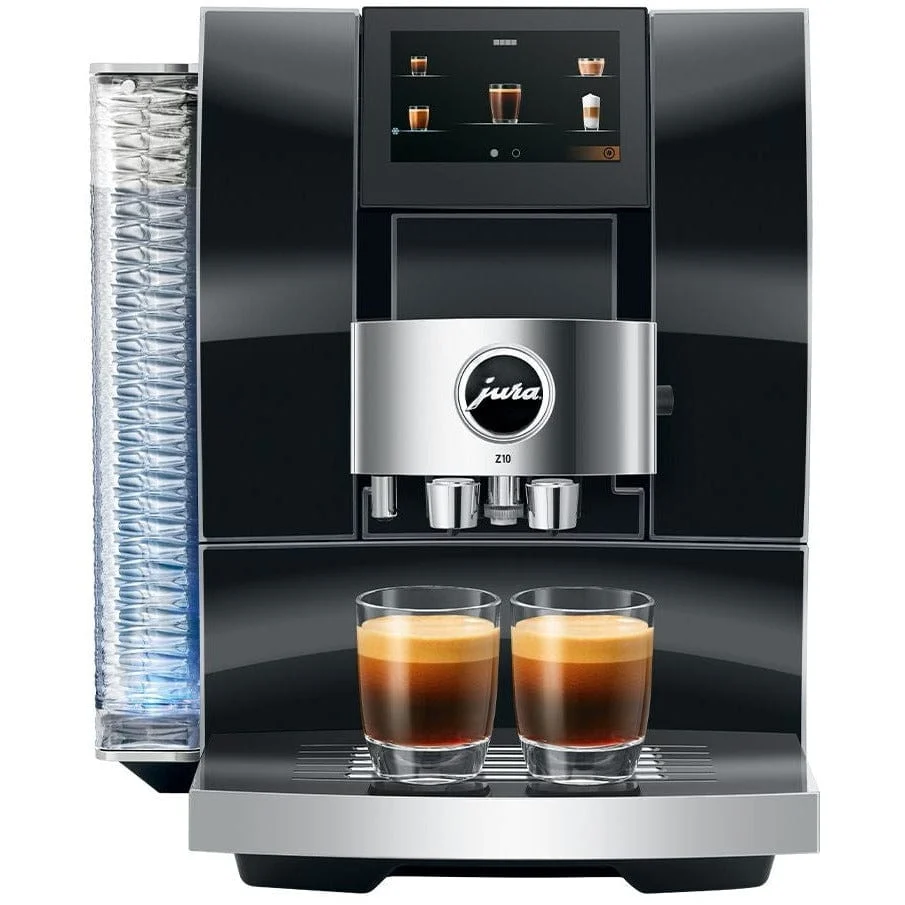
Keep the model number and color together when checking which Z10 you own or are considering. The Diamond White listing identifies model 15823, while the Diamond Black listing identifies model 15464. [1] [2]
Match the coffee options to your routine
For a setup serving both hot and cold coffee preferences, Coffee Depot describes the Z10 as offering 32 specialties, including hot and cold brew drinks. Its description says the Product Recognizing Grinder automatically adjusts to the selected hot or cold brew specialty. [1]
If using ground coffee is part of your routine, note that the specifications list a powder chute for ground coffee. They also list 10 programmable coffee-strength levels, giving you a specific setting to look for when personalizing your drinks. [1]
Include milk-system care and connectivity in your plan
For milk-drink users, the listing identifies an HP3 milk-frothing system and optional extra-shot milk specialties, including cappuccino, flat white and latte macchiato. Coffee Depot also lists one-touch milk-system cleaning—a feature worth locating as you become familiar with the machine. [1]
If app use matters to your setup, Coffee Depot’s description states that the Z10 is equipped with Wi-Fi Connect for use with the J.O.E.® app and that Wi-Fi Connect is included with the purchase. The machine also has a color touchscreen, so familiarize yourself with that interface alongside any app features you intend to use. [1]
Research notes and sources
These references informed this guide. Manufacturer instructions and final purchase terms take precedence.
 Buying guides · 5 min
 Buying guides · 5 min
 Buying guides · 5 min