At a glance
Choose a Jura Z10 around the drinks and controls you want to use. This guide explains the listed cold-brew process, milk specialties, coffee-strength settings and model finishes.
Start with hot and cold coffee
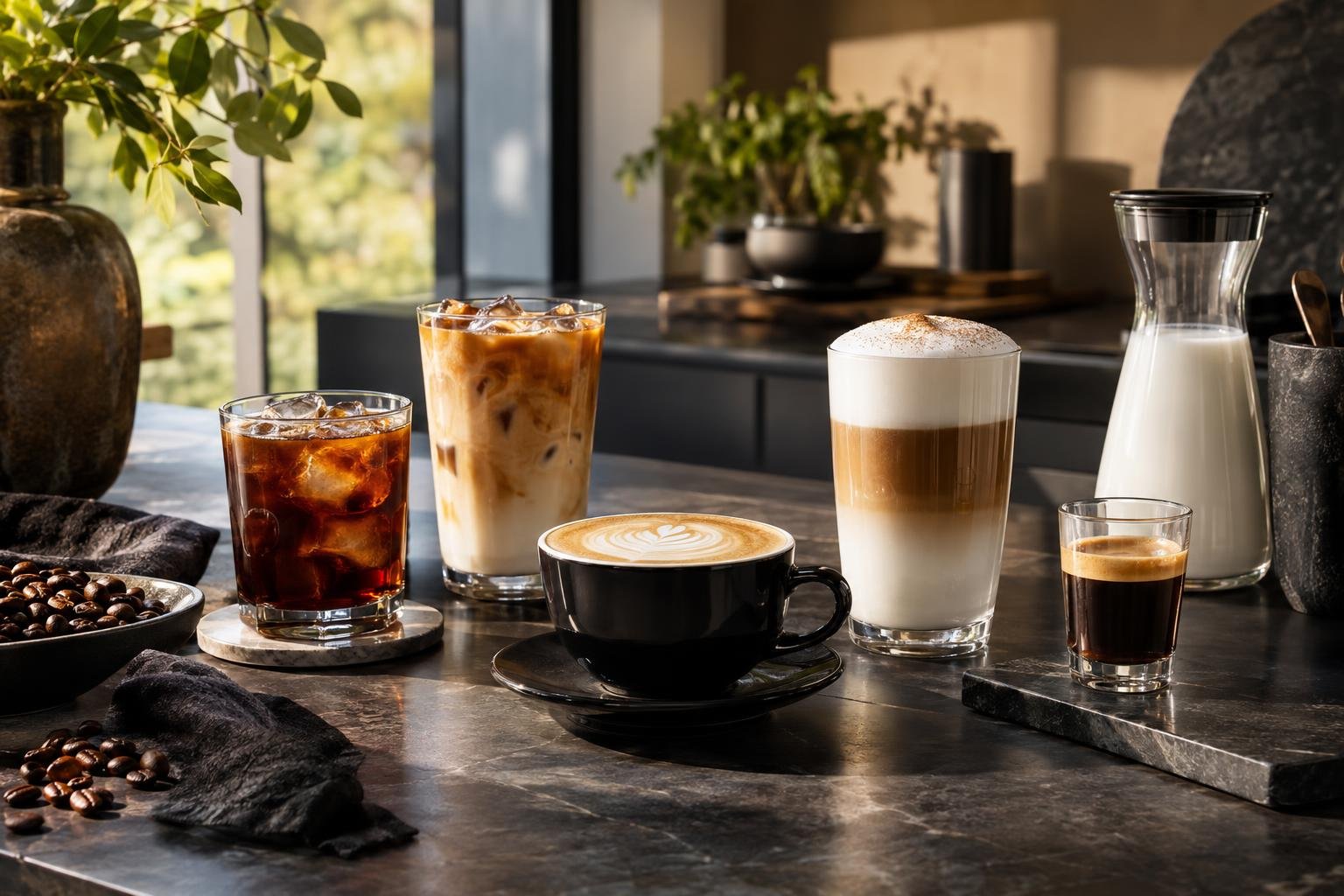
For a more varied coffee menu at home, start with the drinks you want rather than the finish. Coffee Depot’s Jura Z10 descriptions list 32 specialties, including hot and cold-brew coffee specialties. That makes the hot-and-cold menu a useful starting point when deciding whether the machine matches your coffee routine. [1]
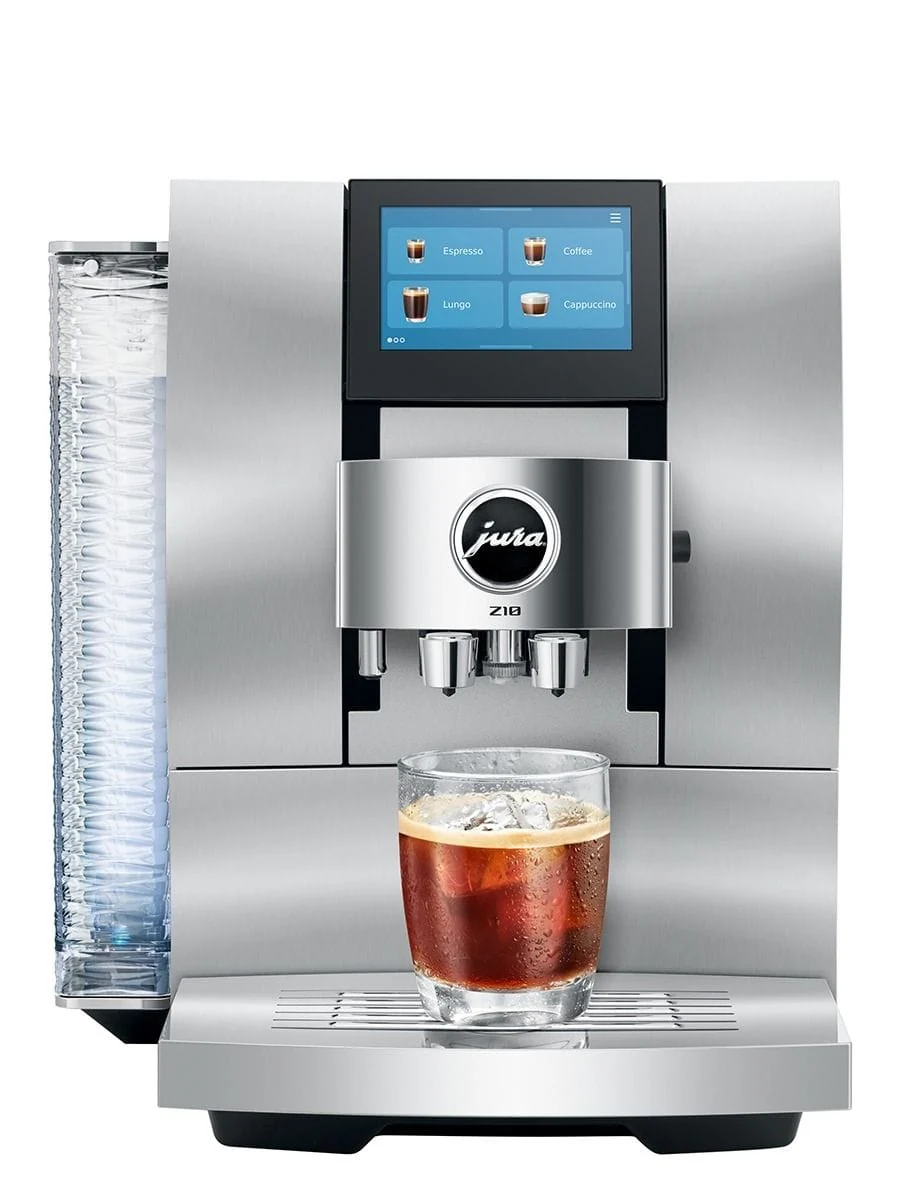
The Diamond White description explains the cold-brew process as pulsing cold water through coarse coffee grounds. It also describes a Product Recognizing Grinder that automatically adjusts for the selected hot or cold-brew specialty. These are the listed brewing features to consider if cold coffee is part of your intended menu. [1]
Match the controls to your preferred drinks
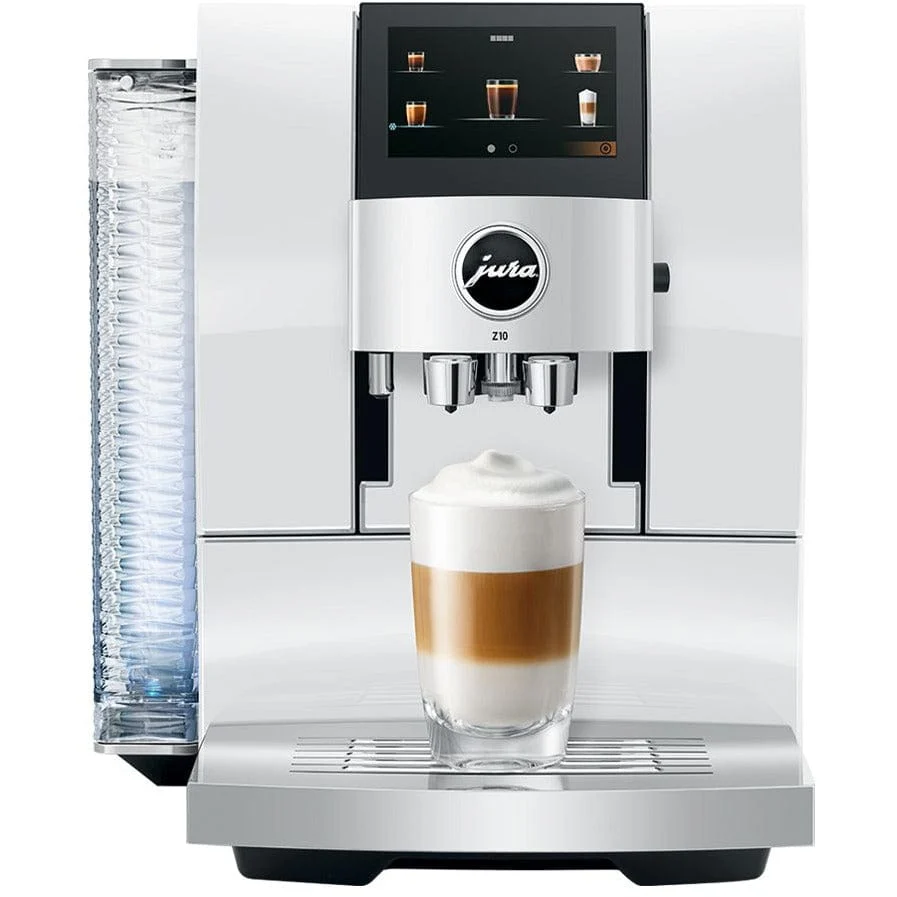
If milk drinks are your priority, the Z10 description names cappuccino, flat white and latte macchiato among the specialties with an optional extra shot. It also lists one-touch milk-system cleaning. Consider both the drink choices and the cleaning feature when comparing what you want from a milk-coffee machine. [2]
For coffee customization, the specifications list 10 programmable coffee-strength levels and a powder chute for ground coffee. These are separate features to look for: strength settings address your preferred coffee setting, while the ground-coffee chute provides an option alongside the listed grinder. [2]
The listed controls include a large color touchscreen, with Wi-Fi Connect included for use with the J.O.E.® app. If you want app connectivity as well as on-machine controls, both appear in the Z10 description; it does not specify the app’s individual functions. [2]
Check the finish and model before choosing
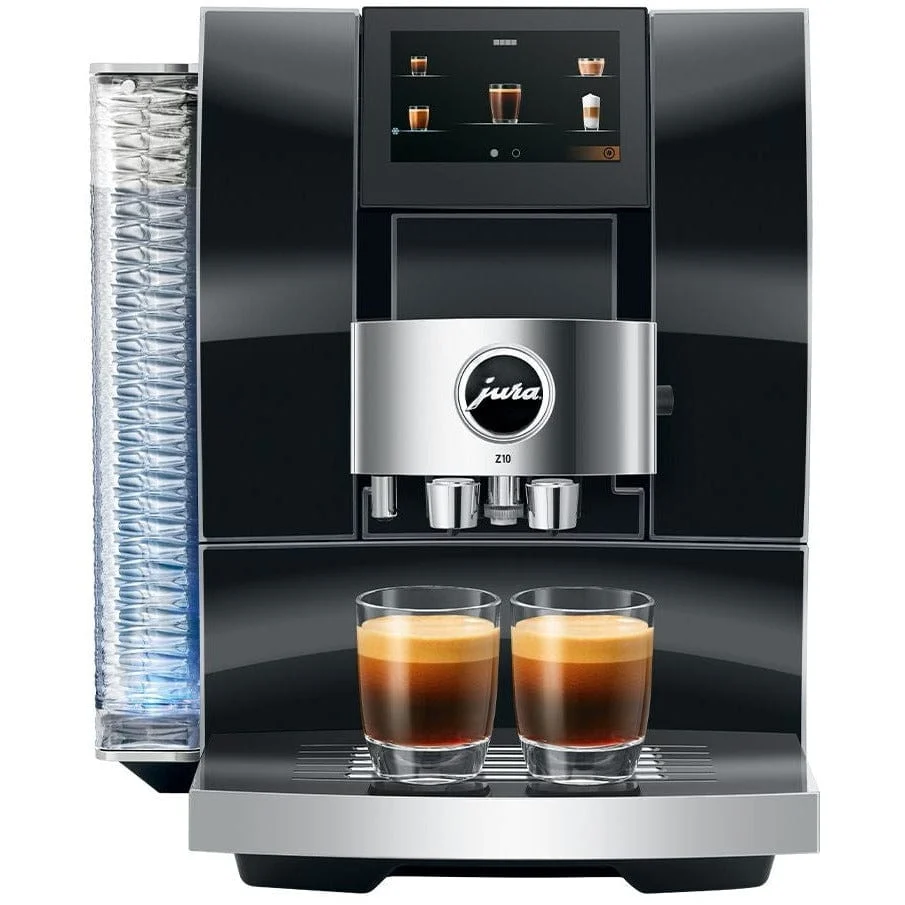
The supplied listings identify Diamond White as model 15823 and Diamond Black as model 15464. Use the color and model number together when checking a product page, rather than assuming every Z10 listing refers to the same finish. [2] [3]
For the central drink-menu decision, both of these listings describe hot and cold-brew specialties and optional extra-shot milk drinks. Choose around those documented features first, then select your preferred finish. [2] [3]
Research notes and sources
These references informed this guide. Manufacturer instructions and final purchase terms take precedence.
 Buying guides · 5 min
 Buying guides · 5 min
 Buying guides · 5 min