At a glance
Start with the drinks you want to serve and your workplace’s daily demand. Coffee Depot’s descriptions outline the X10’s cold extraction, longer coffee options and button-based controls, while the C9 and Z10 offer different brewing and interface features.
Start with the X10’s drink selection
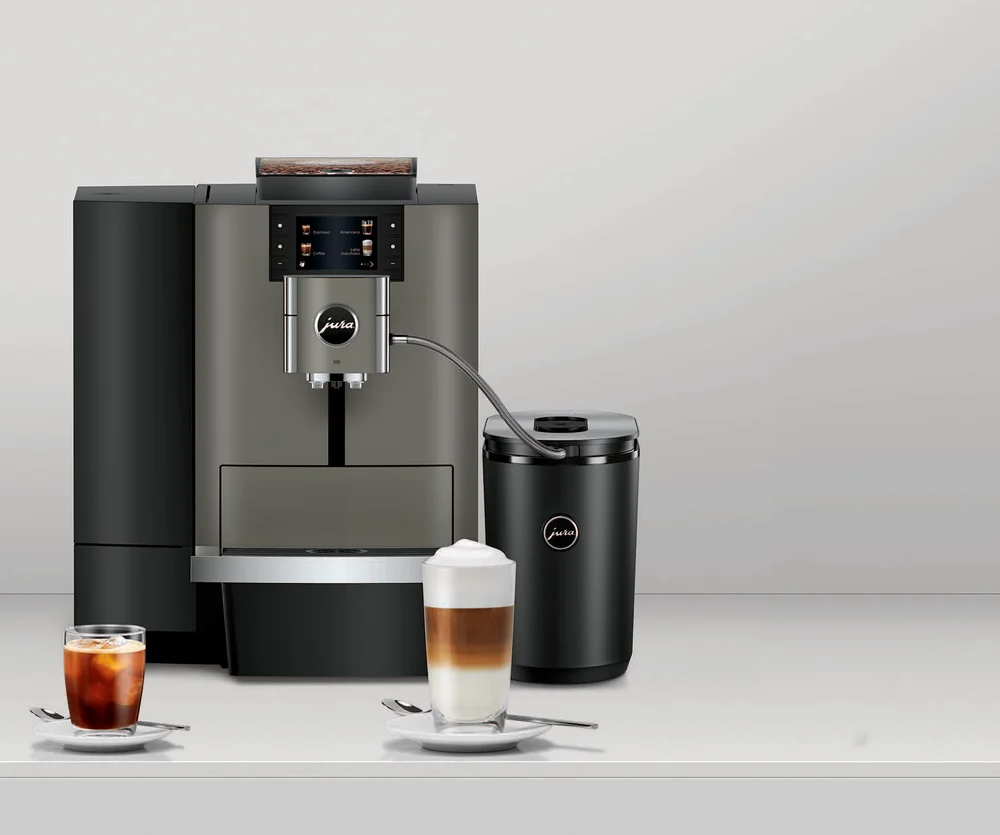
If your coffee menu needs both hot drinks and cold brew, the X10 is worth considering. Coffee Depot’s description lists 35 specialty coffees, including nine cold-extracted options. Its cold extraction process passes cold water through freshly ground coffee; it is not simply a description of hot coffee served over ice. [1]
For customers who prefer longer coffees, the listing also names americanos and lunghi. The One Touch Lungo function prepares these specialties at the touch of a button, making this a relevant feature to compare alongside the cold brew selection—not just the overall drink count. [1]
Match the controls and intended setting to your workplace
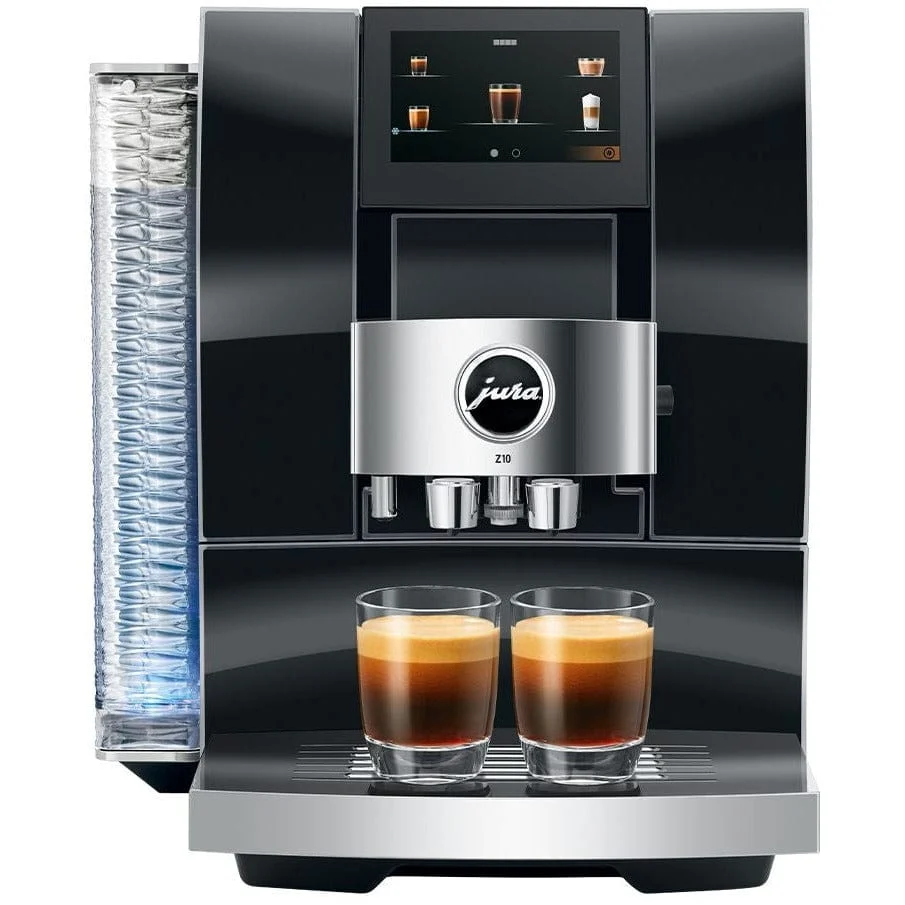
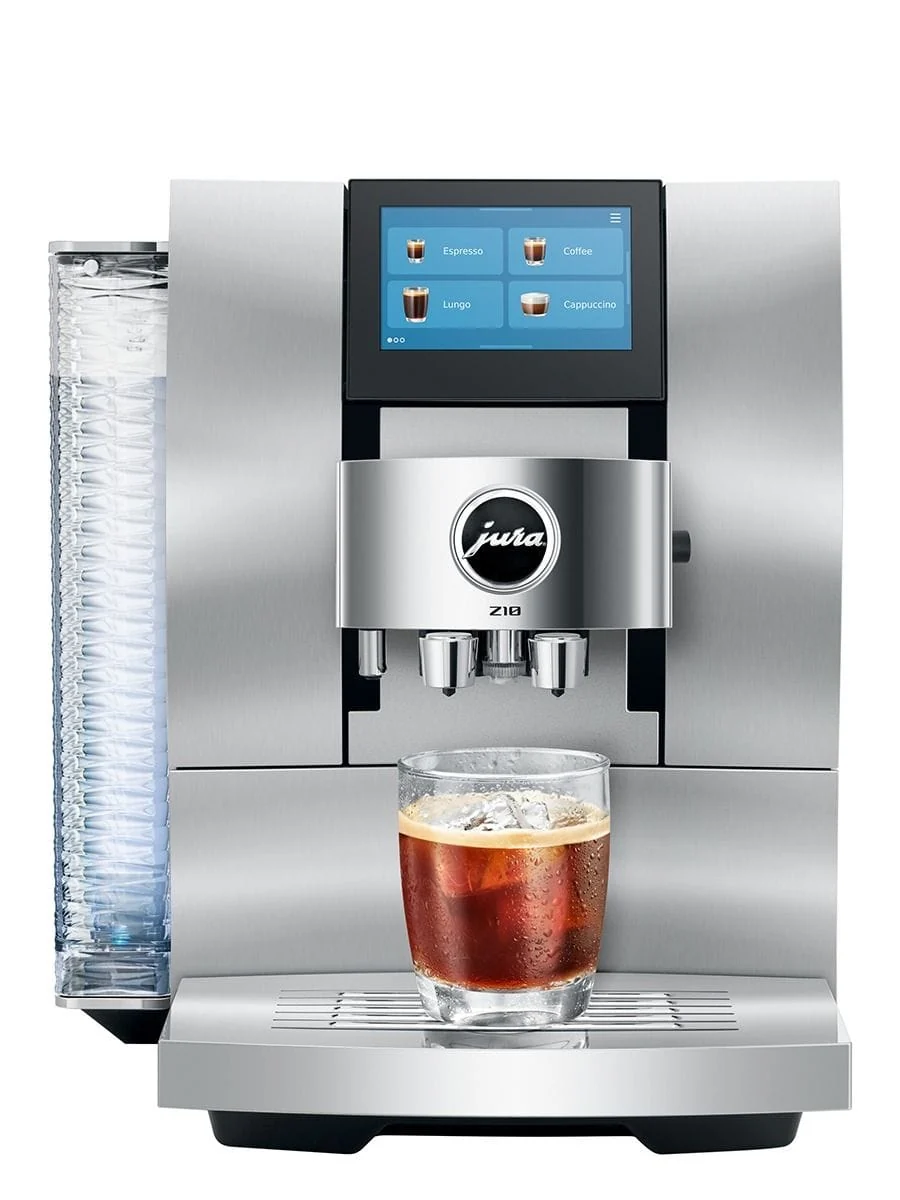
The X10 uses a color display with physical buttons. If you are comparing machines for a shared coffee area, that is a concrete interface distinction to consider: the X10’s listed controls are not the same as the Z10’s front-mounted color touchscreen. [1] [4]
Coffee Depot positions the X10 for offices, self-service areas and catering businesses with daily demand of 80 preparations. Use that stated daily-demand figure when assessing your setting; it is not an hourly output specification or a guarantee about service speed. [2]

Compare brewing methods, not just specialty counts
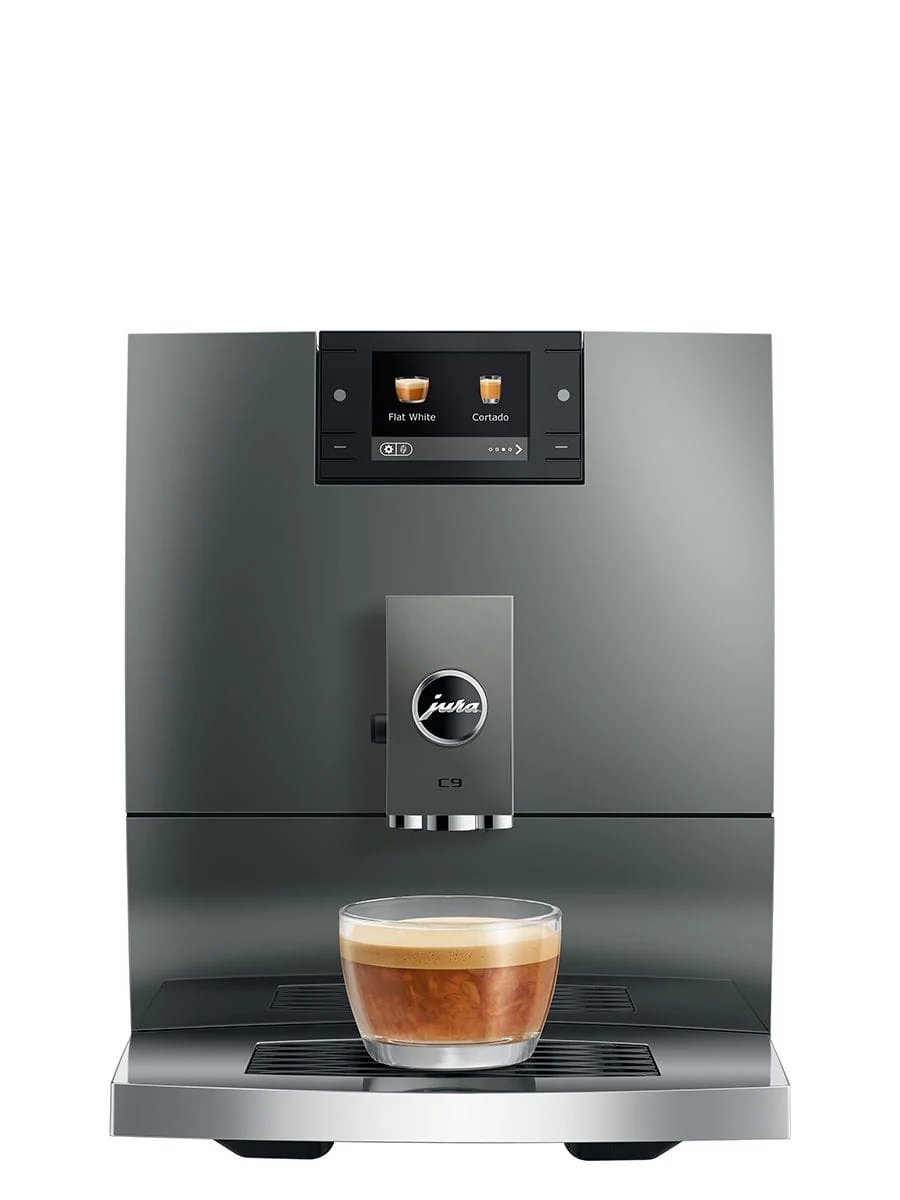
The C9 description lists 17 specialties and offers Hot Brew and Light Brew. Light Brew prepares specialties at a lower temperature for immediate enjoyment. Do not treat that as interchangeable with the X10’s cold extraction: the descriptions identify different brewing approaches, so decide which style of drink you actually want before comparing menu sizes. [1] [3]
The Z10 is another hot-and-cold option, with 32 specialties listed. Its description highlights a Product Recognizing Grinder that automatically adjusts for the selected hot or cold brew specialty. If app connectivity matters, there is also an explicit inclusion difference: the Z10 description says WiFi Connect is included, while the C9 is compatible with Wi-Fi Connect V2 but does not include it. [3] [4]
Research notes and sources
These references informed this guide. Manufacturer instructions and final purchase terms take precedence.
 Buying guides · 5 min
 Buying guides · 5 min
 Buying guides · 5 min