The short answer.
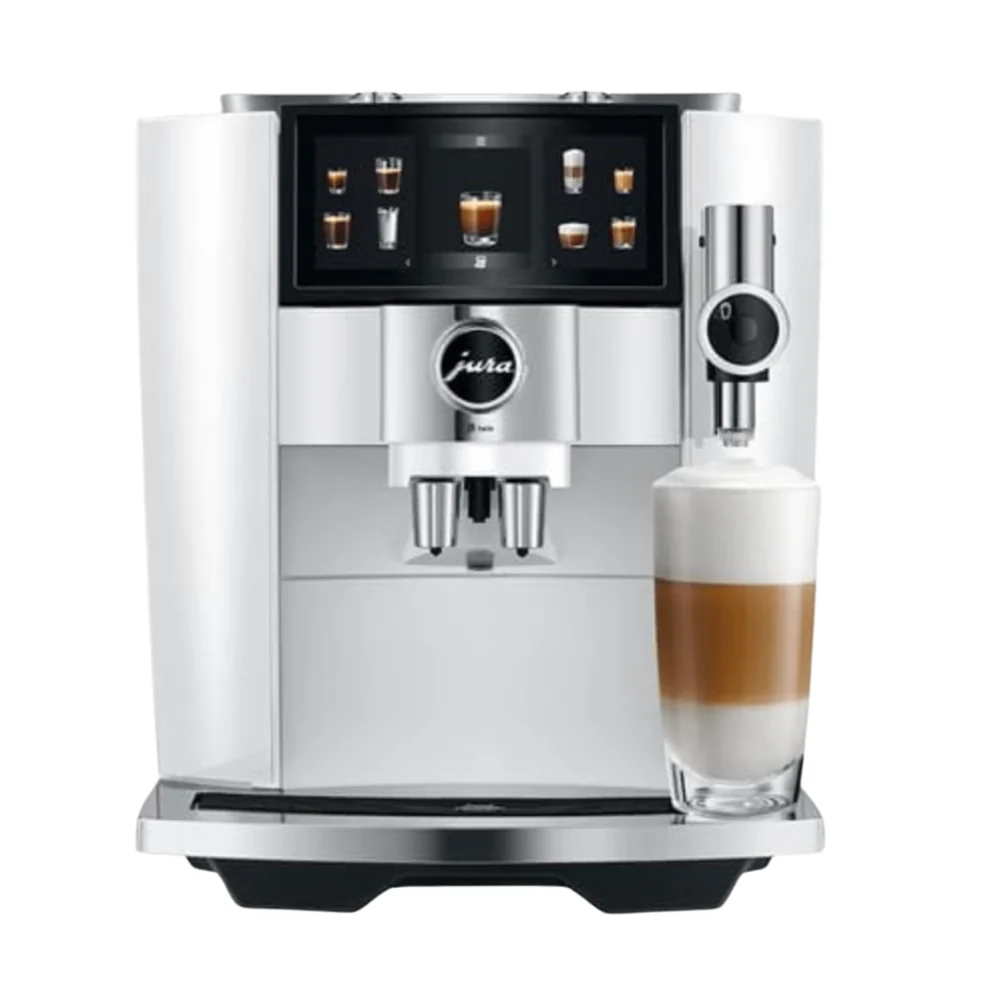
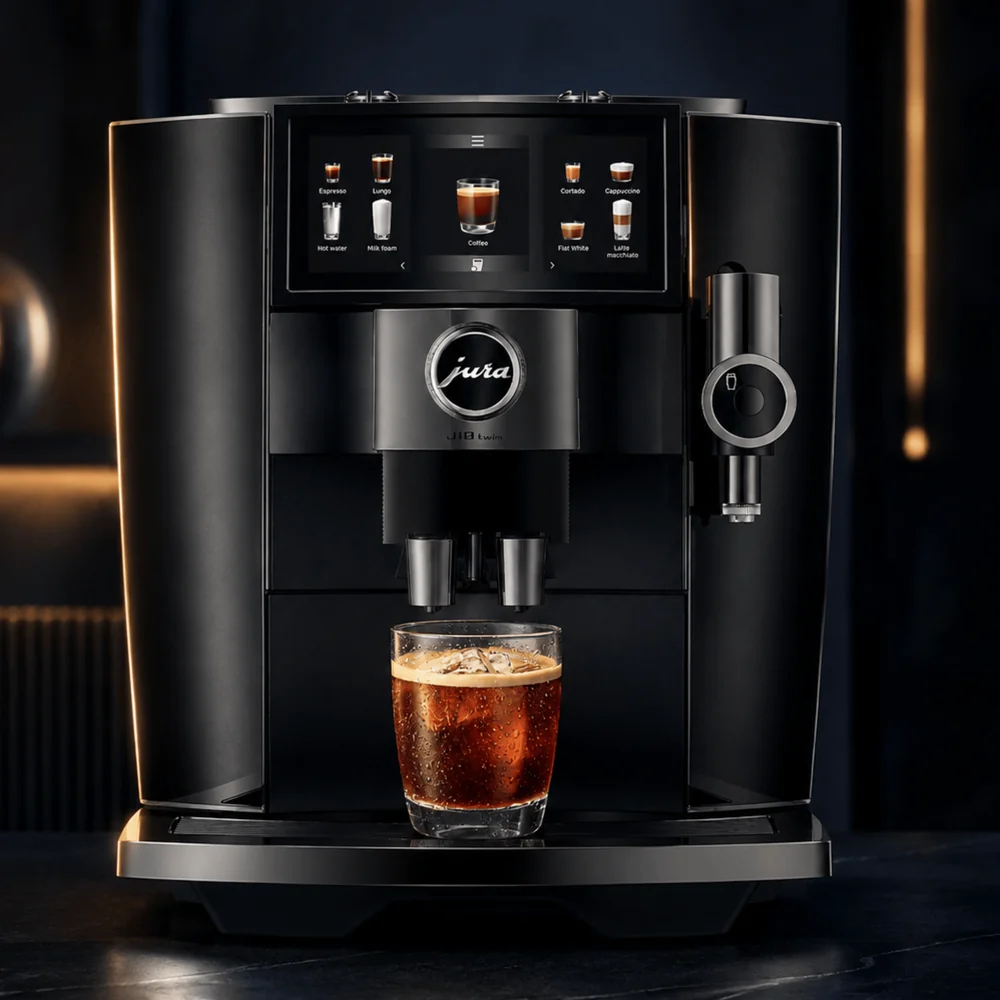
The J10 twin and GIGA 10 have different exact menus; compare favorite drinks first.
Hopper and tank sizes describe containers, not guaranteed output.
Test the complete setup and shared-user routine before choosing.
Make the two-coffee requirement concrete
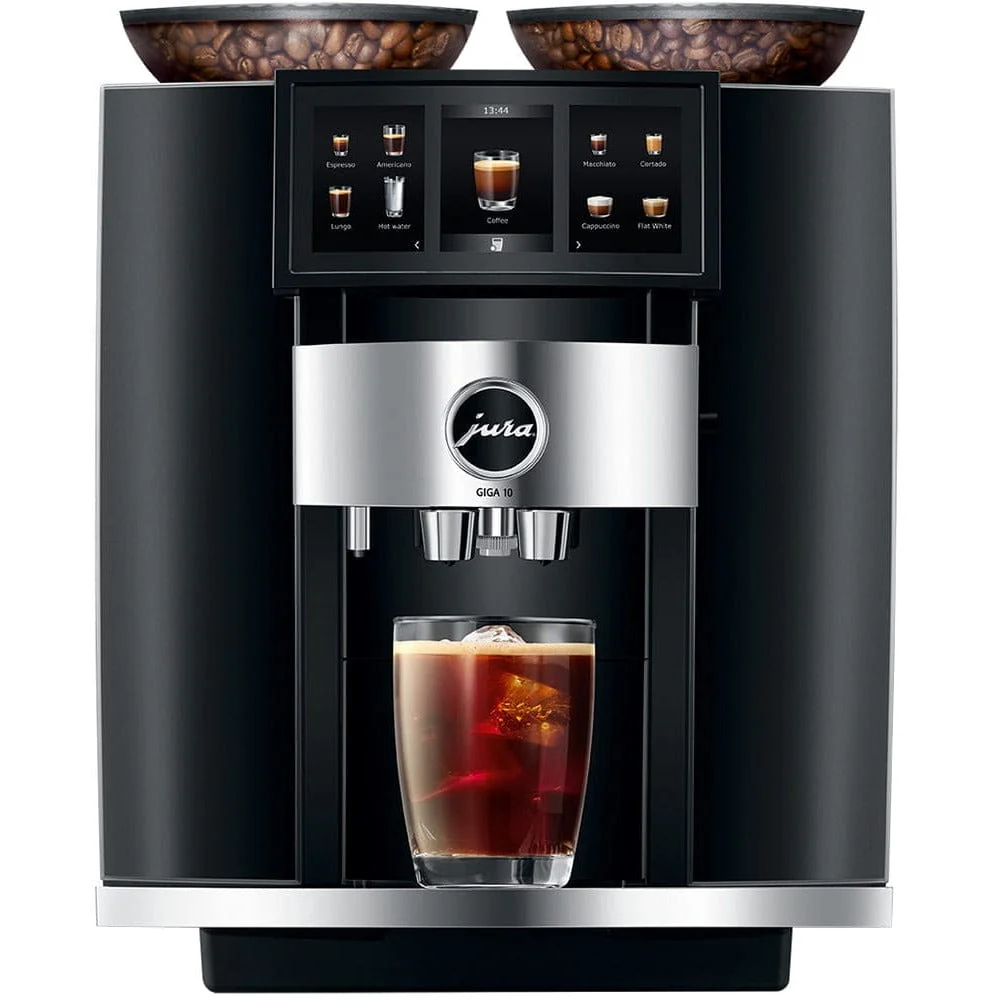
Both model families document two grinders, but the reason to buy two grinders begins with your household. Write down the coffees that will occupy them and how frequently you switch. Regular and decaf, or a roast for espresso and another for longer drinks, create a different routine from one main bean and an occasional experiment.
Imagine the least convenient morning: two people want different beans, the milk container needs attention and someone is leaving in minutes. Which part of that sequence should become easier? The answer gives the comparison a useful goal. Separate grinders are a convenience feature, not evidence of a strict caffeine-free result or a commercial throughput rating.
Compare preparation styles before comparing totals
The documented J10 twin NAA 15724 menu lists 46 preparations and includes hot, cold, light and sweet options. The GIGA 10 NAA 15527 reference lists 35 preparations with its own hot-and-cold menu. Those totals include serving modes and variations; neither number is a simple ranking of drinking satisfaction.
List three preferred drinks and check each exact menu. If a specific light or sweet preparation matters, verify it on the chosen model. If the purchase is mainly about two bean choices and comfortable control of familiar drinks, test that workflow directly. Do not let a larger number answer a question about your favorite cup.
Use the published hopper and tank sizes as fit information
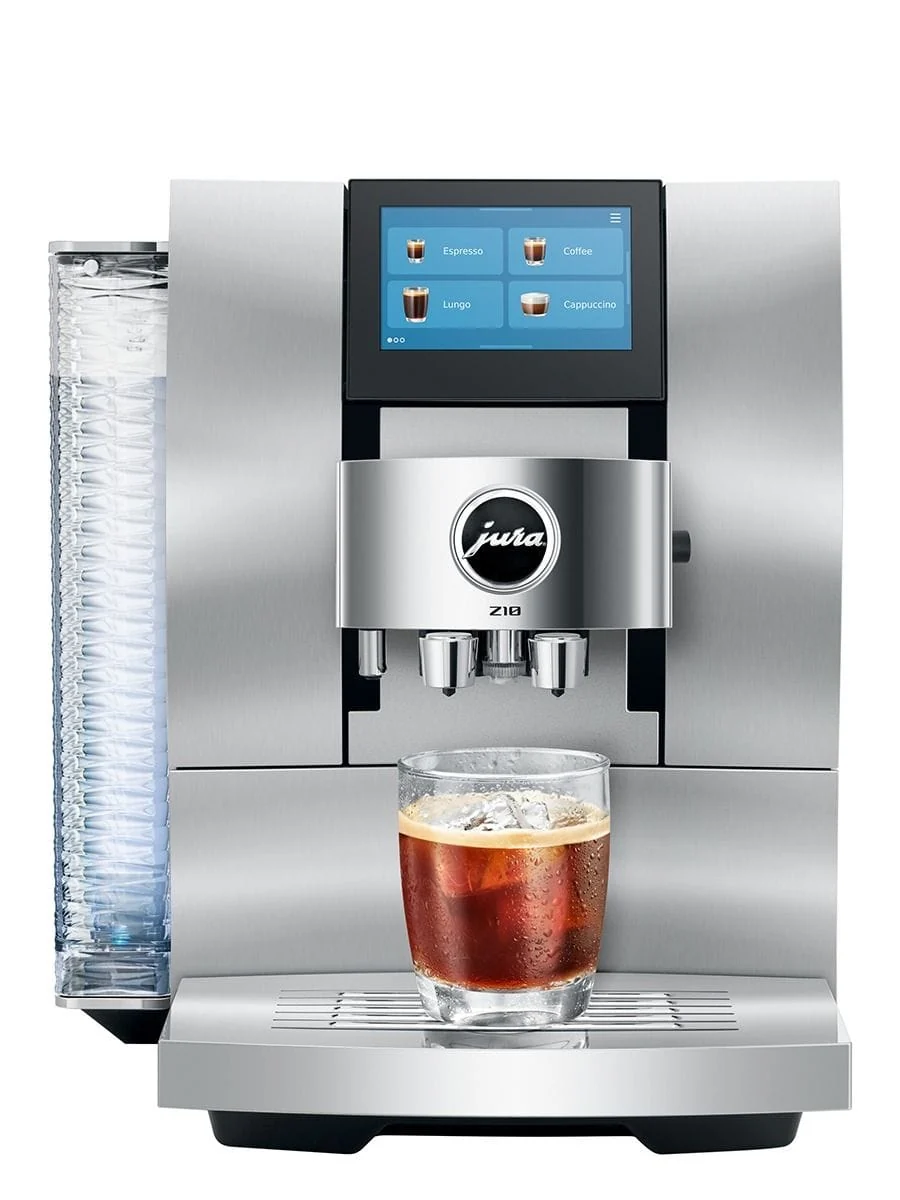
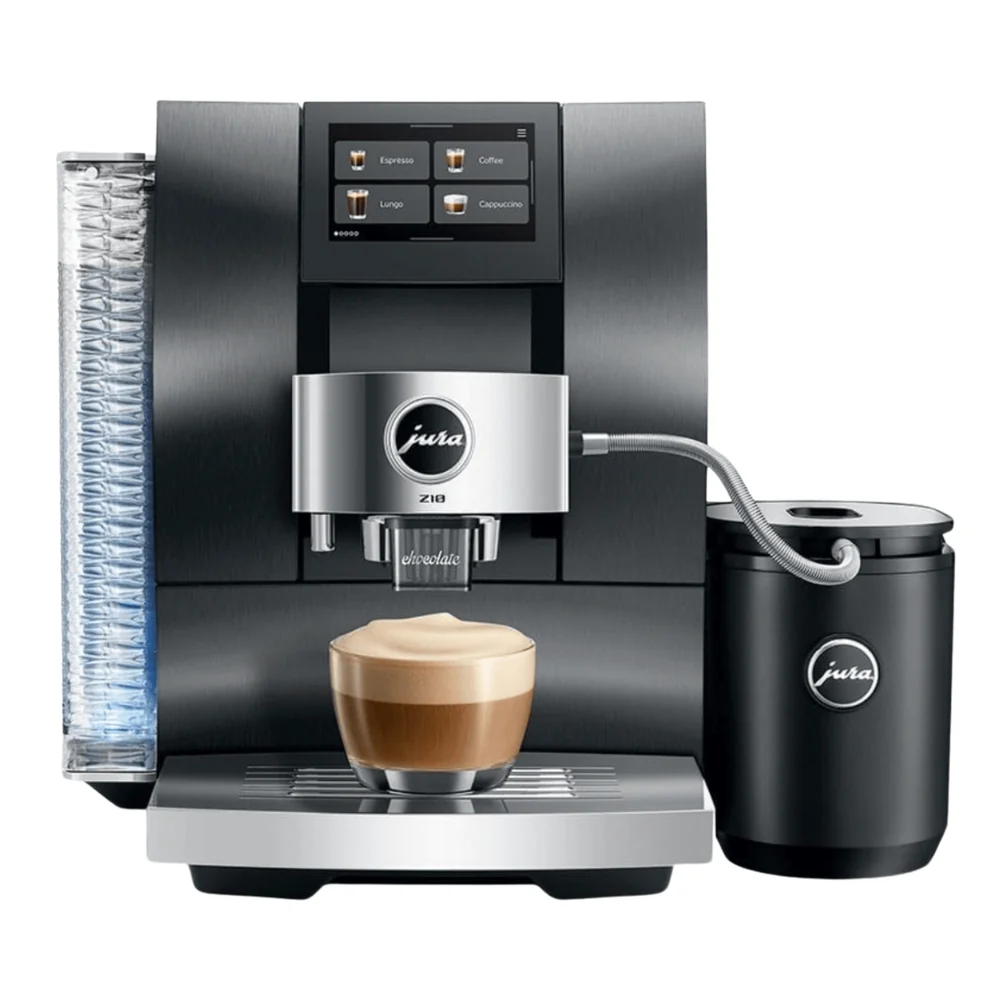
JURA’s reference specifications give the J10 twin two 180 g bean hoppers and a 1.9 L water tank. The GIGA 10 reference gives two 280 g hoppers and a 2.6 L tank. These are container capacities. They are not a guarantee of a fixed number of drinks between replenishment: cup size, recipes and rinsing all affect actual use.
For a household, ask whether the replenishment pattern would feel comfortable, not whether the largest tank is automatically desirable. Keep beans fresh, avoid filling more than you expect to use and follow the manufacturer’s ingredient instructions. Record refill interruptions during a demonstration if they matter to the decision.
Measure access, not only the machine body
A larger hopper or tank can be useful only if it remains easy to reach. Measure the proposed counter, surrounding cabinets and the area needed for milk storage, cups and removable parts. Place a box or paper outline in the planned position and act out replenishing, preparing and cleaning. A few minutes of practical testing can identify an awkward arrangement before the machine arrives.
Check the exact manufacturer dimensions for the selected article number. Do not compare a photograph scaled differently on two product pages. A retailer bundle may add a cooler or other item that needs its own footprint and power outlet, so the final setup can occupy more space than the machine alone.
Compare interfaces through a shared-user test
Have each regular user select a coffee, prepare their preferred drink and make a small adjustment without coaching. Save the recipe and return to it. Then look at what the machine communicates when water or care is needed. A broad touchscreen may offer extensive control, but the meaningful benefit is whether the intended owners find their own route quickly.
A useful test is a new guest asking for a familiar milk drink. Can the owner find it confidently, choose the intended bean and explain where the cup goes? If the household values simplicity, begin with a small set of favorites even when the full menu invites experimentation.
Choose the complete routine
Build the final comparison as two complete orders: exact machine, selected finish, verified supplied items, required care materials and the milk arrangement you actually need. Put optional upgrades on a separate line. This prevents a more elaborate bundle from appearing better simply because it includes accessories you would otherwise never buy.
The recommendation here is conditional, not a universal winner. Choose the model whose verified preparations and operating layout fit your normal day. Confirm stock, price, article number, condition and the written warranty before purchase. For office or hospitality use, assess professional candidates separately; a premium household machine does not gain a workplace duty rating from its two grinders.
Useful answers, before you decide.
Is the GIGA 10 a commercial machine because it has two grinders?
No. Its household positioning and intended use must remain distinct from the professional GIGA X line. Commercial workload and service planning require exact professional references.
Which machine is best for everyone?
There is no universal winner. Compare exact preparation styles, space, bean-switching habits and the care routine your household will follow.
Research notes and sources
These references informed this guide. Manufacturer instructions and final purchase terms take precedence.
- JURA GIGA 10 NAA 15527: menu and technical specifications
- JURA J10 twin NAA 15724: menu and technical specifications
 Buying guides · 5 min
 Buying guides · 5 min