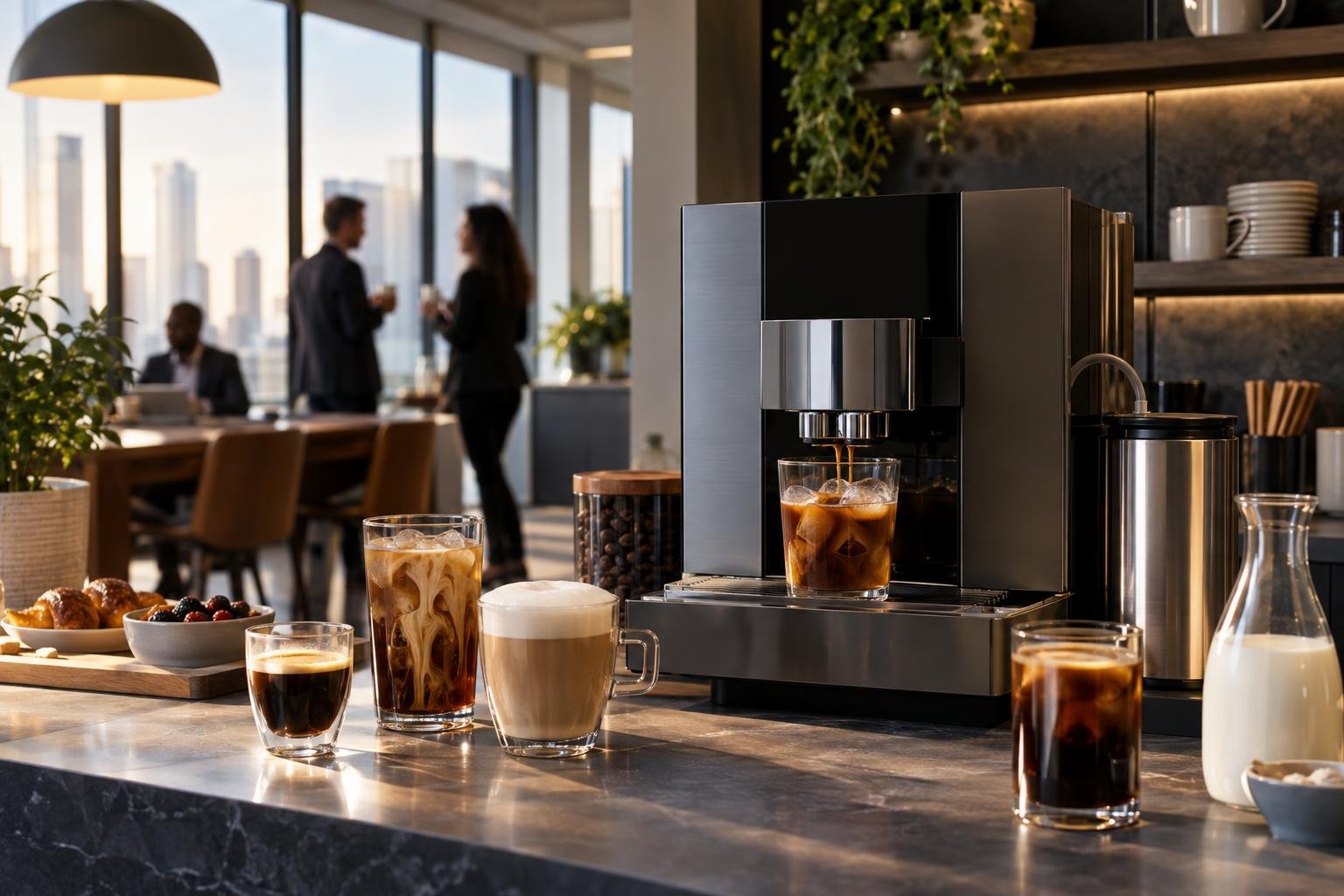
At a glance
The Jura Z10 listings describe hot and cold brew specialties, automatic grinder adjustment and one-touch milk-system cleaning. For a corporate coffee bar, start with an important qualification: the listed warranty requires household use.
Start with the household-use warranty requirement
If you are considering a Jura Z10 for a corporate coffee bar, clarify the warranty conditions before choosing it for workplace use. Coffee Depot’s listings state that the warranty for new JURA household machines requires household use and an authorized purchase. Drink features alone should not be treated as confirmation that a workplace installation qualifies. [1]
The listed warranty is two years or 6,000 brewings, whichever comes first, and covers manufacturing defects including parts and labor under those conditions. Ask specifically how your intended use relates to the household-use requirement rather than assuming the same terms apply to an office. [1]
Match the drink options to your coffee-bar plans
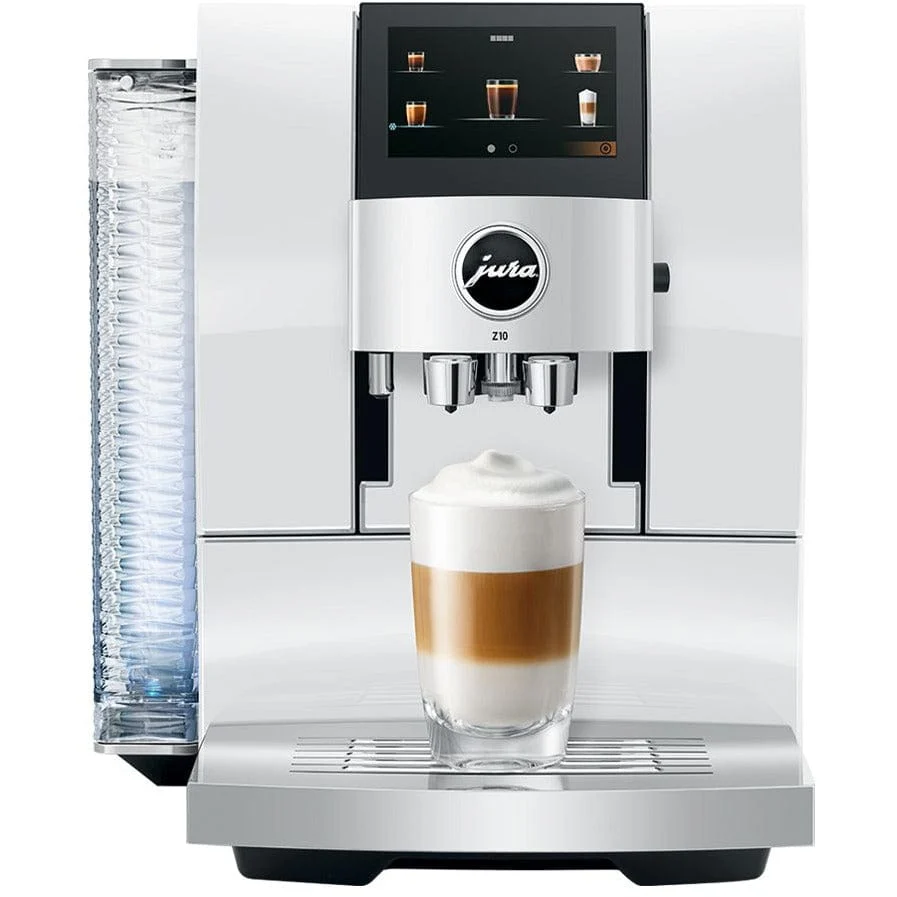
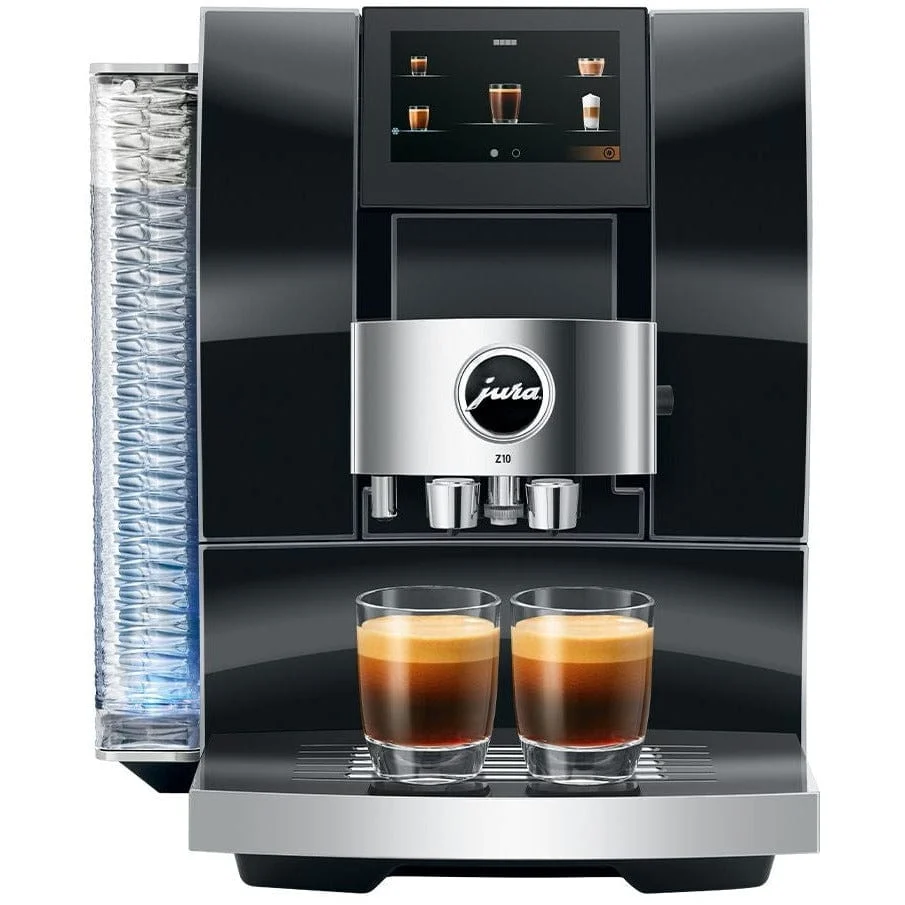
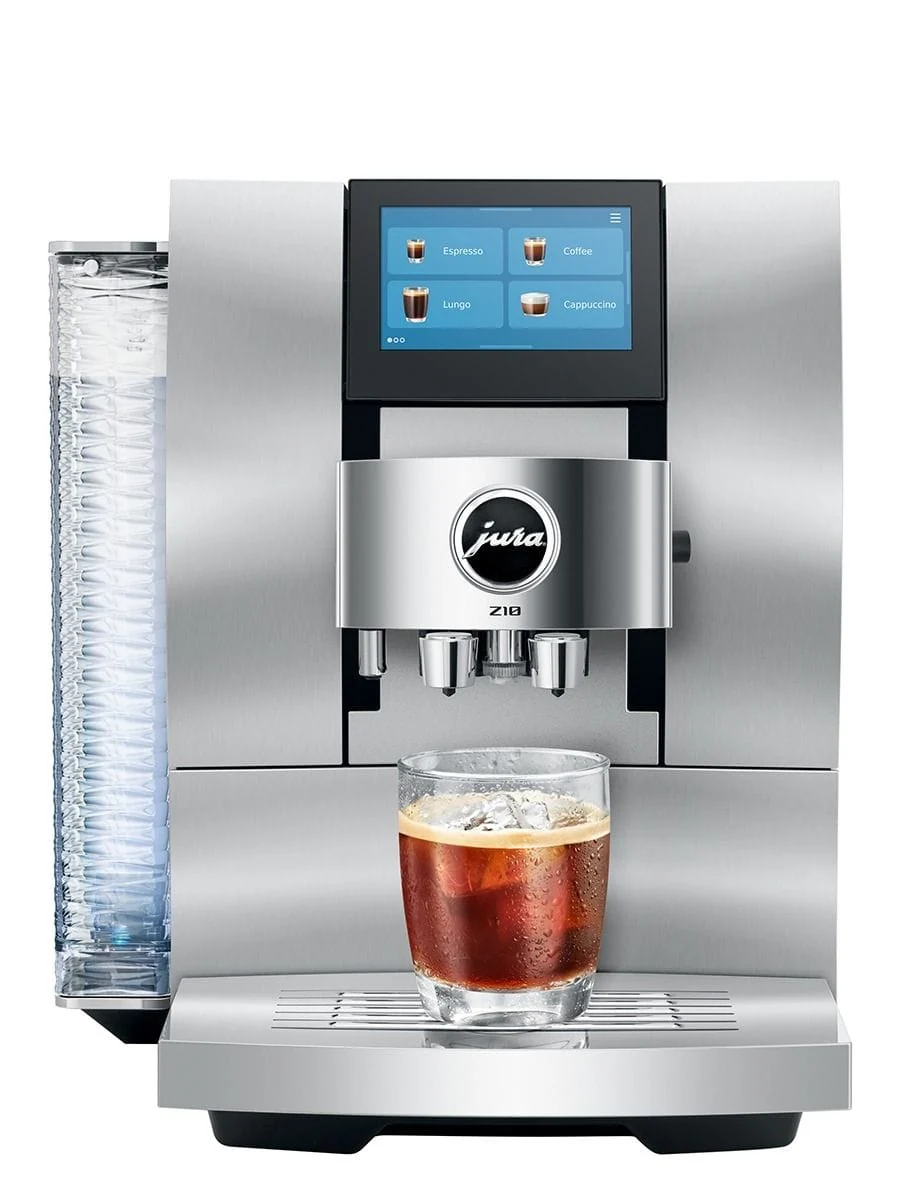
For drink selection, Coffee Depot describes the Z10 as offering 32 specialties, including hot and cold brew coffee specialties. The Diamond White listing describes a Cold Brew Extraction Process that pulses cold water through coarse coffee grounds—a specific preparation feature to consider if cold drinks are part of your plans. [1]
Milk-drink options include optional extra-shot cappuccino, flat white and latte macchiato specialties. The specifications also list 10 programmable coffee-strength levels and a powder chute for ground coffee. These are useful features to review against the drinks and adjustments you want, without assuming every user will want the same preparation. [1]
Review the controls and milk-system care
The listed Product Recognizing Grinder automatically adjusts to the selected hot or cold brew specialty. A large color touchscreen provides the machine’s controls. When reviewing the Z10, distinguish this automatic grinder adjustment from the separate programmable coffee-strength settings. [1]
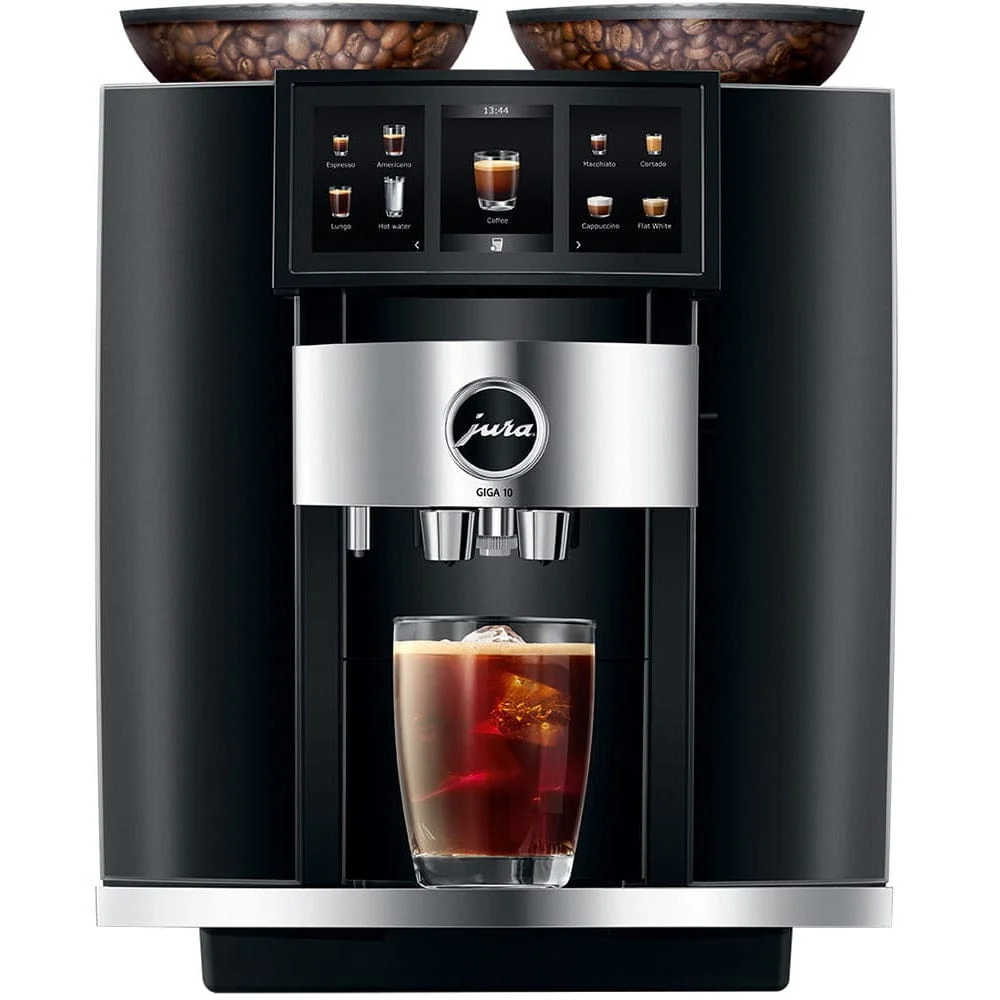
For milk-system care, both the Diamond White and Diamond Black listings describe one-touch milk-system cleaning. They also list Wi-Fi Connect for use with the J.O.E.® app and state that it is included with the Z10. Treat these as features to review alongside the warranty conditions—not as a substitute for confirming suitability for your intended setting. [1] [2]
Research notes and sources
These references informed this guide. Manufacturer instructions and final purchase terms take precedence.
 Buying guides · 5 min
 Buying guides · 5 min
 Buying guides · 5 min